

If you run a business in Rosemead, your website can either build trust or raise doubts in seconds. You need a clean design, clear navigation, and current contact details so visitors know you’re ready to help. Fast loading pages, mobile-friendly layouts, and real testimonials add more confidence. When your site looks active and professional, more local customers will feel comfortable choosing you—and a few small fixes can change everything.
Main Points
- A polished, up-to-date website signals that your Rosemead business is organized, credible, and ready to serve customers.
- Clear navigation with obvious service, about, and contact pages helps visitors find answers quickly and trust your business.
- Clean visual design, real photos, and consistent branding make your business look professional and dependable.
- Visible phone numbers, addresses, testimonials, and business hours reduce hesitation and make contacting you easier.
- Fast, secure, mobile-friendly pages with accurate information show customers your business is active and attentive.
Why a Ready-to-Buy Website Builds Trust
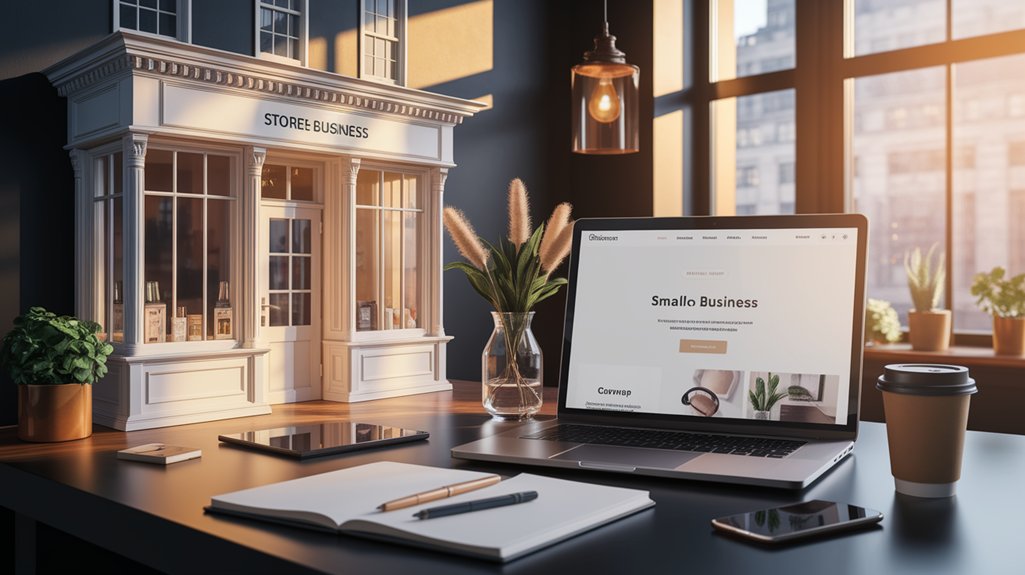
When visitors land on a website that looks ready to do business, they trust you faster. You show them you’re serious, organized, and prepared to help. A polished site signals that you value their time and take your work seriously.
That confidence matters, because people hesitate when a business feels unfinished or careless. When your pages load smoothly, your branding stays consistent, and your message stays clear, you remove doubt before it grows.
You make it easier for visitors to believe you can deliver what you promise. That trust can turn curiosity into action, and action into revenue. If you want more customers, build a website that feels dependable from the first glance and supports every next step they take.
What Customers Look for on Your Website
When people land on your website, they want to find what they need fast, see a professional design, and know they can trust you.
You can make that happen with clear navigation that guides visitors without confusion.
Keep your contact info easy to spot so customers can reach you without any hassle.
Clear Navigation
Clear navigation helps customers find what they need fast, so they stay engaged instead of getting frustrated and leaving. You should keep your menu simple, with clear labels that match how people search for your services.
Put your most important pages where customers can spot them right away, like Home, About, Services, Contact, and FAQs. Make every click count by reducing extra steps and avoiding confusing dropdowns.
Add a search bar if your site has lots of content, and make sure links work on phones too. When visitors can move through your site without guessing, they trust your business more. You’re showing them that you respect their time, understand their goals, and make it easy to take the next step.
Professional Design
Professional design shows customers that your business is credible before they read a single word.
You build trust when your site uses clean layouts, balanced spacing, and consistent colors that match your brand.
Choose readable fonts, sharp images, and modern visual elements that make your pages feel polished, not cluttered.
When visitors see a site that looks cared for, they assume you care about your work too.
Avoid outdated graphics, crowded sections, and mismatched styles that create doubt fast.
Keep every page visually consistent so people know they’re in the right place.
A professional look doesn’t need to be flashy; it needs to feel intentional, current, and reliable.
Make your website look ready for business, and customers will take you seriously.
Visible Contact Info
Make it easy for people to reach you by placing your contact info where they can find it fast. Put your phone number, email, and physical address in the header, footer, and contact page so visitors don’t have to hunt. Add a click-to-call button on mobile, and make sure your contact form works without errors.
If you serve Rosemead customers, include your business hours and service area too. Clear contact details tell people you’re real, available, and ready to help. They also reduce friction when someone wants a quote, has a question, or needs support.
Don’t hide behind vague links or tiny text. When you make contact simple, you build trust faster and turn more visitors into customers.
Make Your Rosemead Website Look Professional
You can make your Rosemead website look professional with a clean visual design that feels simple, modern, and easy to use.
Choose consistent colors, sharp images, and readable text so visitors trust your brand right away.
Add clear trust signals like reviews, contact details, and certifications to show you’re credible and ready to help.
Clean Visual Design
A clean visual design helps your Rosemead website earn trust the moment visitors arrive. You should use plenty of white space, so each section feels calm and easy to scan. Keep your layout consistent across pages, and place headings, buttons, and images where visitors expect them.
Choose readable fonts, strong contrast, and a simple color palette that supports your message instead of distracting from it. Use high-quality images that load fast and look sharp on phones and desktops.
Remove clutter, crowded sidebars, and unnecessary effects that make your site feel messy. When you simplify the page, you help people focus on what you offer. That clarity makes your business look organized, capable, and ready to serve customers today.
Trustworthy Brand Signals
Trust grows faster when your Rosemead website looks established and consistent. Use the same logo, colors, fonts, and tone across every page so visitors know they’re in the right place.
Put your business name, phone number, and address where people can find them fast. Add real photos of your team, storefront, or work instead of stock images that feel generic.
Show clear testimonials, service guarantees, and trust badges only if they’re genuine. Link to your social profiles and keep them active.
Write in plain language, avoid typos, and make sure every page loads cleanly on mobile. When your brand signals match your promises, you look organized, credible, and ready to earn customer confidence.
Use Clear Navigation and Simple Page Layouts
When visitors can find what they need quickly, they’re far more likely to stay on your site and feel confident in your business. You should keep your main menu simple, with clear labels that match how customers think. Put your most important pages where they’re easy to spot, and don’t bury them under too many choices.
Use short sections, plenty of white space, and a clean visual hierarchy so each page feels easy to scan. Make every page serve one clear purpose, whether that’s booking, buying, or contacting you.
If users have to guess where to click next, you’ve already lost momentum. A straightforward layout helps people move through your site with less effort, which makes your business feel organized, professional, and ready to serve.
Add Trust Signals That Reassure Visitors
Once your site feels easy to use, the next step is to prove you’re worth someone’s confidence. You can do that by showing real signs that you’re established, transparent, and dependable. Put your business name, address, phone number, and email where people can find them fast.
Share customer reviews, testimonials, and short case studies that show actual results. Add photos of your team, workspace, or storefront so visitors see a real business behind the screen.
- Display awards or certifications
- Link to your social profiles
- Explain your refund or service policy
- Highlight years in business
- Use consistent branding across pages
These details help visitors feel safer choosing you. When people trust what they see, they’re more likely to contact you, buy from you, and remember your brand.
Keep Your Website Fast, Secure, and Mobile-Friendly
A professional website also needs to load quickly, stay secure, and work well on mobile devices, because those details shape how people judge your business.
When pages open fast, visitors stay longer and feel confident exploring your services. Use a reliable host, compress images, and remove anything that slows your site down.
Protect customer data with SSL, strong passwords, and updated plugins, so people know you take their privacy seriously.
Make every button, form, and menu easy to use on a phone, since many customers will find you that way. Test your site often on different devices and browsers. If your website feels smooth, safe, and simple, you’ll earn trust faster and give Rosemead customers a reason to keep going.
Update Your Rosemead Website to Stay Credible
Keeping your website current shows visitors that your business is active, attentive, and reliable. You build credibility when you refresh content, replace outdated photos, and correct old contact details. Small updates tell Rosemead customers you’re paying attention and ready to help.
- Review your homepage every month.
- Update service descriptions to match what you offer now.
- Post recent testimonials and project photos.
- Check hours, addresses, and phone numbers.
- Remove broken links and expired promotions.
When people see accurate information, they trust you faster and stay longer. You also make it easier for them to call, book, or buy without hesitation.
Treat your website like a living part of your business, and it’ll keep working for you.
Frequently Asked Questions
How Much Does a Professional Rosemead Website Redesign Cost?
You’ll usually spend $2,500 to $15,000 for a professional Rosemead website redesign, depending on size, features, and customization. You can lower costs with clear goals, but investing more often boosts trust, conversions, and results.
Which Website Platforms Work Best for Local Rosemead Businesses?
Coincidentally, you’ll find WordPress, Squarespace, and Wix work best for local Rosemead businesses because they’re easy, flexible, and affordable. You can launch quickly, update fast, and look polished enough to win trust.
How Long Does It Take to Build a Trust-Building Business Website?
You can build a trust-building business website in 2 to 6 weeks, depending on content, features, and revisions. You’ll move faster if you’re organized, and you’ll see stronger trust when you launch polished, clear pages.
Should My Rosemead Website Include Online Booking or Payments?
Yes—if you want fewer phone tag games and faster sales, you should include online booking or payments. You’ll make trust feel effortless, and customers won’t wonder why your “modern” business still needs a pen.
What Colors Make a Website Seem More Trustworthy?
You’ll build trust fastest with blue, white, gray, and deep green; they feel calm and professional. Use one strong accent color, avoid neon, and keep contrast clear so you look polished and reliable.
See The Next Post
When you make your website look ready for business, you help visitors trust you faster and take action sooner. Keep your pages clean, your contact details easy to find, and your trust signals current. Don’t let a slow, outdated site sabotage your hard work. In a world where attention is priceless, your website should work like a trusted handshake. Stay polished, stay responsive, and give Rosemead customers every reason to choose you.







0 Comments